








 Widex
Widex COM-DEX
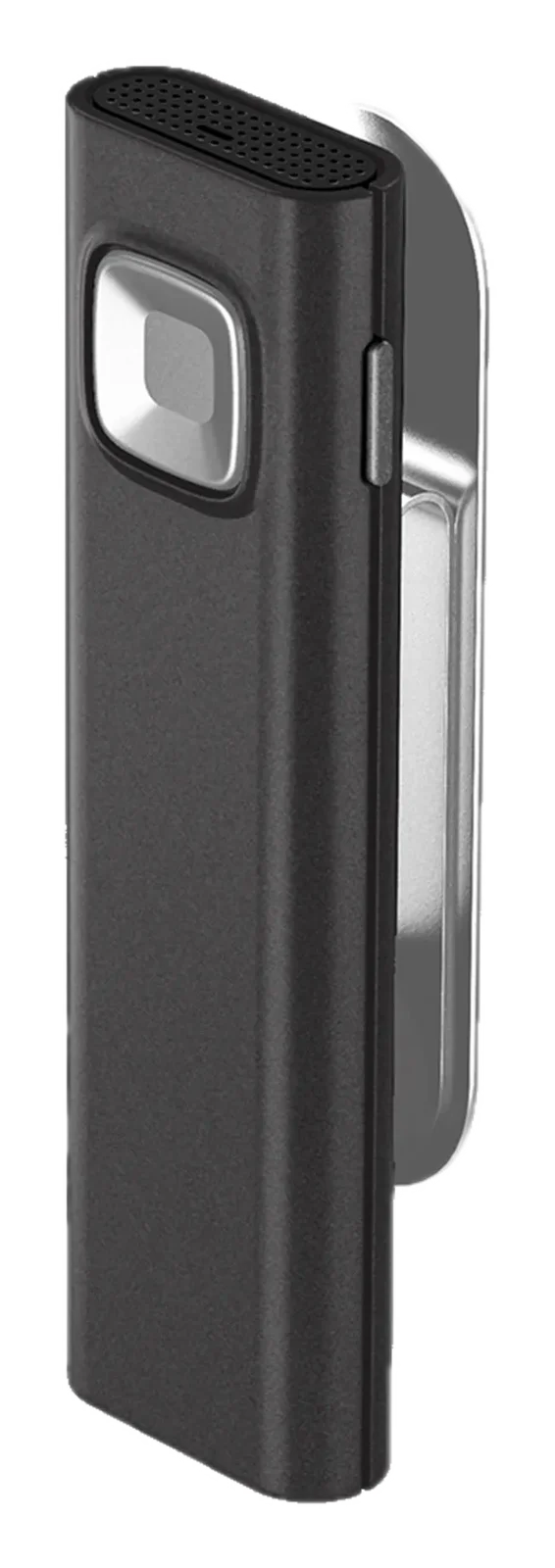
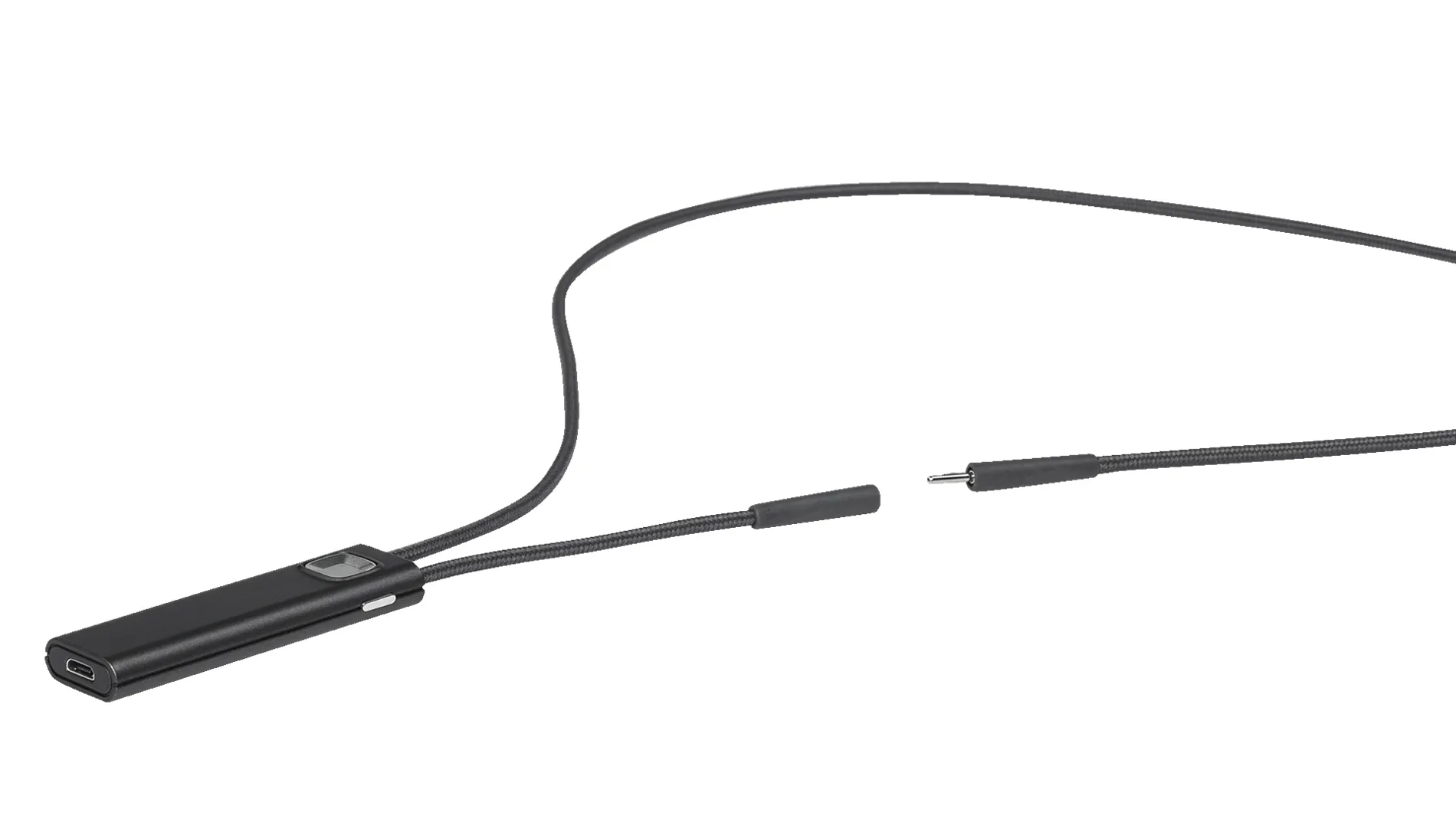
COM-DEX is a connectivity accessory worn around the neck that streams sound from smartphones and Bluetooth devices to wireless Widex hearing aids. It can also be used with the COM-DEX Remote Mic.
We explain prices and SGK support by phone
+90 507 856 30 52WhatsApp
Leave your name and number and our specialist will call you during opening hours.
Category: Batteries & Accessories
About This Product
- Sound streaming from Bluetooth devices to hearing aids
- Worn around the neck, hands-free calls
- Up to 8 hours of streaming
- Control with the COM-DEX app and Apple Watch
- Remote Mic option with a 10-metre range
COM-DEX is Widex's communication accessory and keeps you connected to your phone and other devices. Worn around the neck, this small device streams sound from any Bluetooth device to your wireless Widex hearing aids. You can make hands-free phone calls and listen to music and other sound directly through your hearing aids. It comes in three colours: champagne white, anthracite grey and emerald green.
What can you do with it?
- Stream good-quality sound from a Bluetooth device to your hearing aids
- Hear the person you are talking to in a noisy place or at a distance (with the Remote Mic)
- Control your hearing aids and the microphone discreetly with the app
- Stream sound for up to 8 hours
COM-DEX app
The COM-DEX app can be downloaded from the App Store and Google Play. With the app you can change the volume and program of your hearing aids, choose the direction sound comes from, listen to music or other sound for hours, personalise the app with different wallpapers and see the COM-DEX battery level. You can also control your hearing aids with an Apple Watch on your wrist.
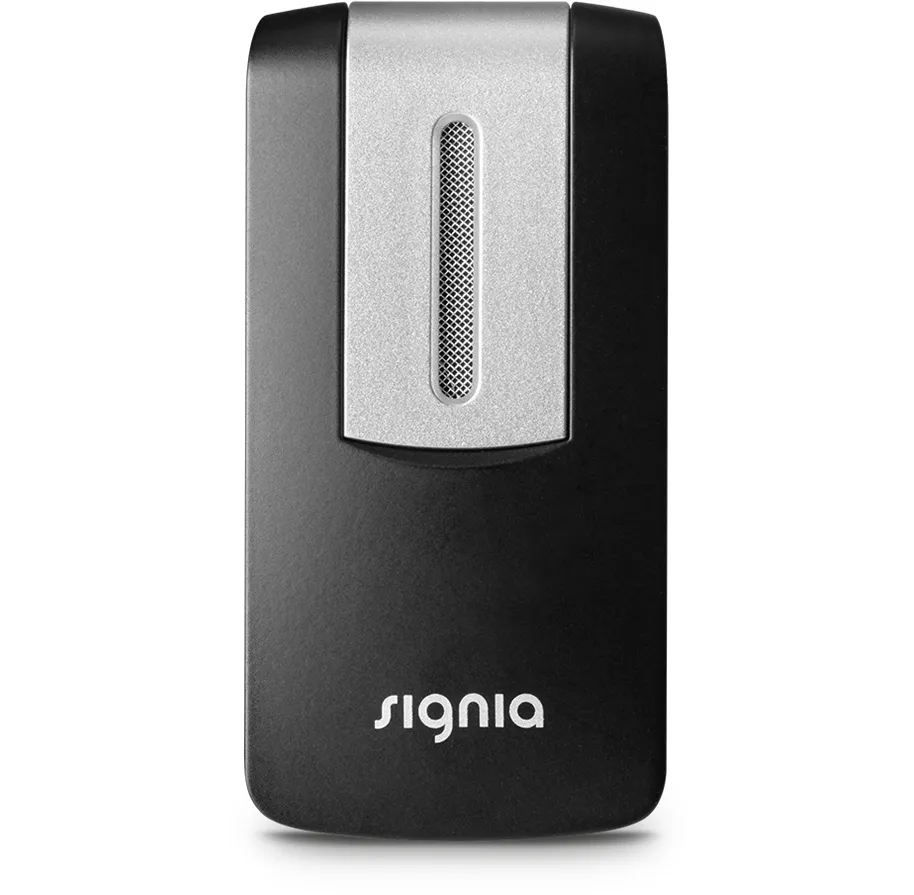
COM-DEX Remote Mic
The Remote Mic is an accessory that can be added to COM-DEX to make one-to-one conversations easier. It helps you hear conversations more closely and in more detail in crowded places, in the car or outdoors. You can place the microphone in front of the person you are talking to within a 10-metre range, or ask them to clip it to their clothing. The microphone connects to all wireless Widex hearing aids through the COM-DEX app. You can adjust the sound settings on the microphone or in the app, and switch the microphone off and on with its button.
We can check COM-DEX compatibility with your hearing aids at our Pendik centre and set it up with your phone. For compatible models, see our Widex hearing aids page.
Specifications
- Brand
- Widex
- App
- COM-DEX